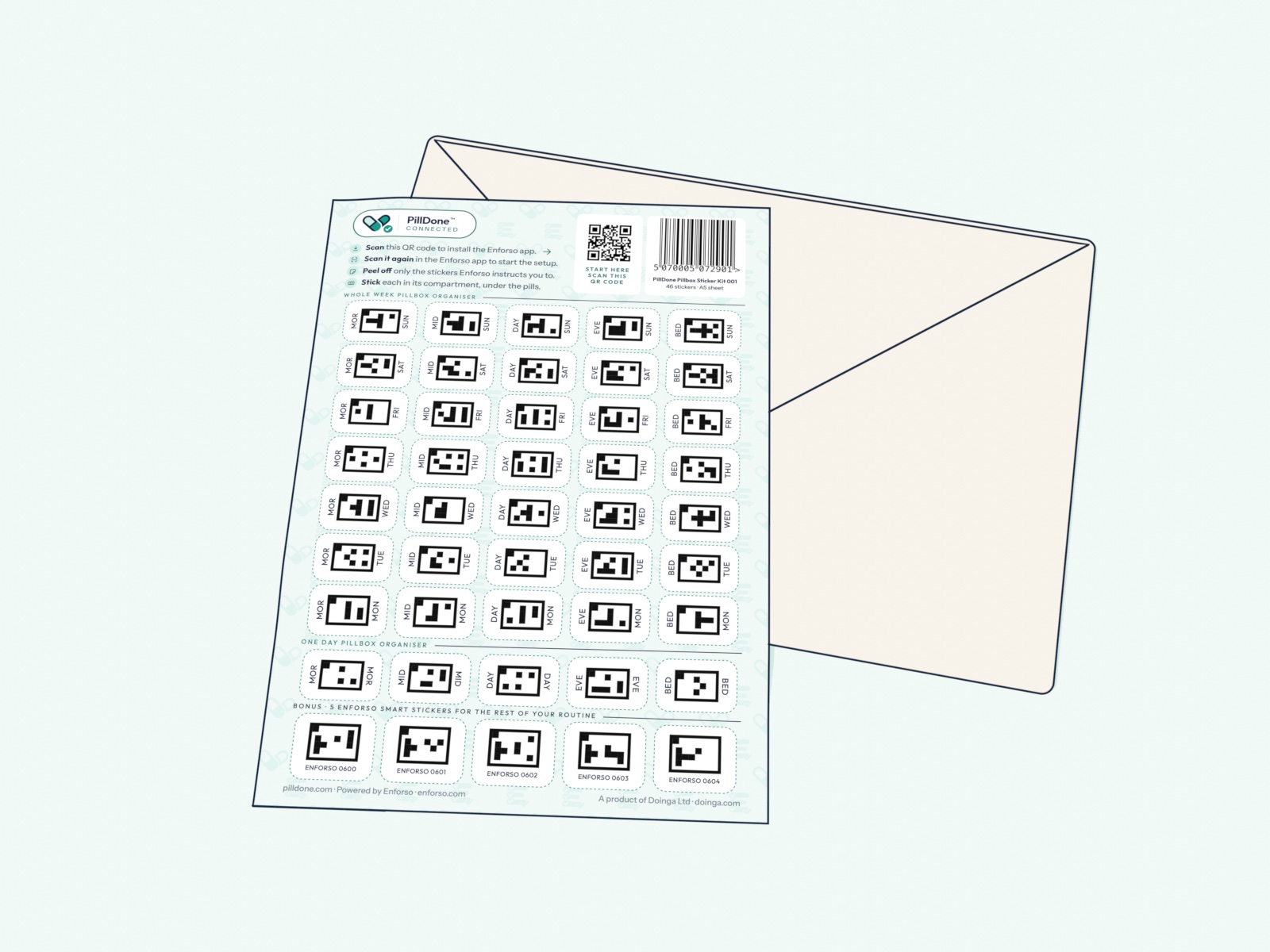
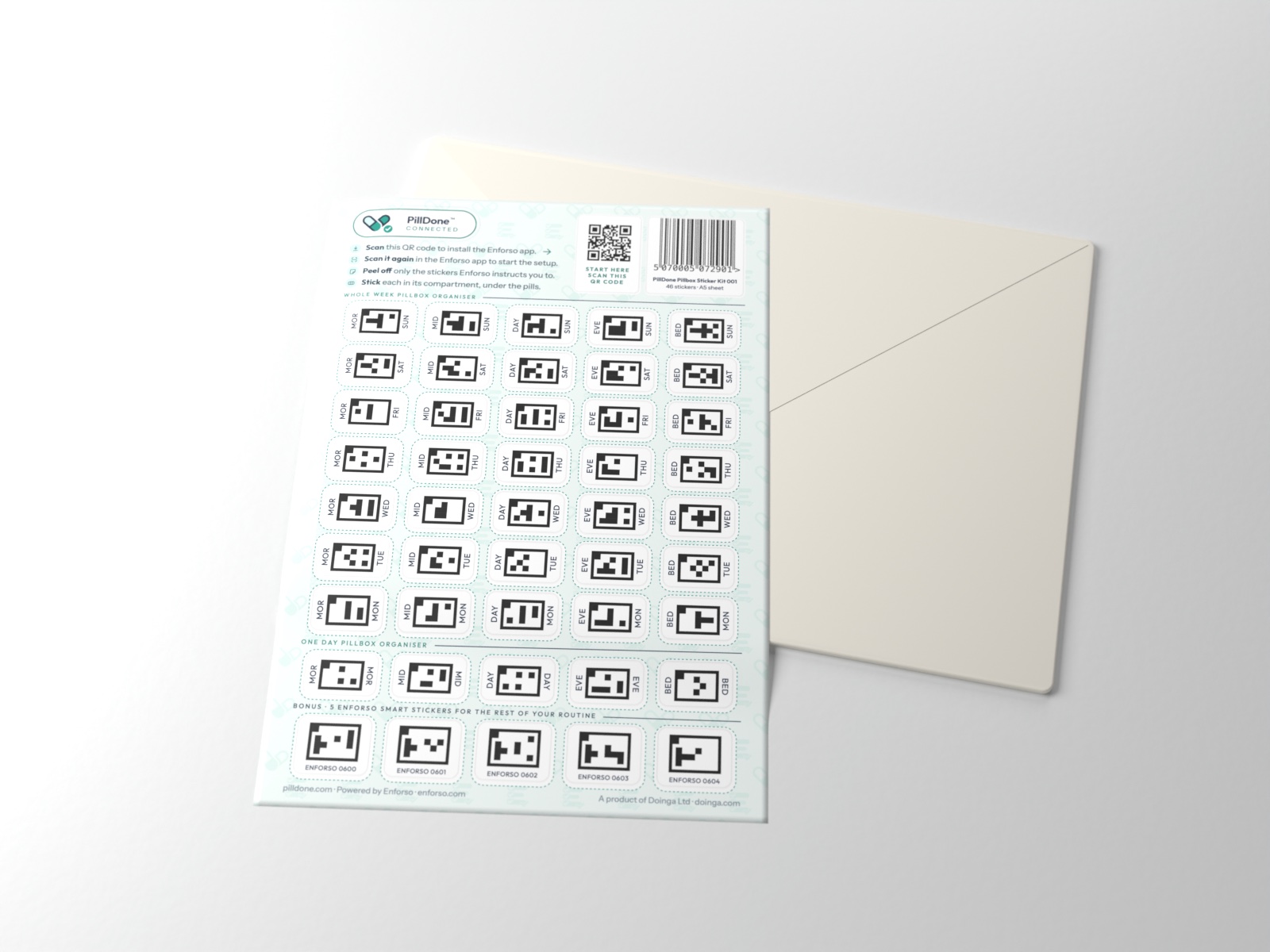
Print your own
Print your own PillDone Kit. Free.
Have a printer and a sheet of sticker paper? Make your pillbox smart tonight: the same labels as in the Kit, printed at home.
PDF, one A4 page, two kits. Print it at 100 %.
Rather not print and cut? Get the Kit, ready to stickYou will need
- A printer Colour or black and white: the codes are black either way.
- One A4 sheet of sticker paper A full sheet, matt or glossy, not pre-cut labels. One sheet makes two kits.
- Scissors To cut out the labels your pillbox needs.
- Your phone with Enforso Free for a PillDone pillbox. Enforso comes to iPhone this December. Android follows this winter.
How it works
Print it, scan it, let Enforso guide you
-
1
Download the sheet
One A4 page, a PDF: two complete kits side by side, each with its own Setup code. One for your pillbox, one to spare.
Download the sheet -
2
Print it at 100 %
Load the sticker paper and print at 100 % scale; your print window may call it “Actual size”. Turn off “Fit to page”. The line marked 3 cm on the sheet should measure exactly 3 cm.
-
3
Scan the Setup QR code
Point your phone’s camera at START HERE on the sheet: it installs the Enforso app. Then scan the same code again, inside the app, to start the setup.
-
4
Cut out what Enforso asks for
Enforso shows you which labels your pillbox needs. Cut out only those, along the double dashed lines, and press each into the floor of its compartment, under the pills. The app guides you from there.
Rather not print and cut?
Get the Kit, ready to stick
- No printer, no sticker paper required
- No cutting: every label is already cut
- Premium print quality and materials
- Posted to your door, or straight to someone you care about